


Overview
Student engagement . . . Everyone says it but what does that mean?
It's very easy for one person to say a lesson is engaging while another person might view that same lesson as disengaging. Tech companies promise to "engage students" and "measure student engagement" when they are really only measuring the number of minutes students spend online. Some or all of those students however may have been bored out of their minds. Despite the ubiquitous use of the word engagement there is little to no agreement on what that word means.
Alice Keeler and Heather Lyon know a few important things about engagement: The first is that do not teach. The second key is that it's only when people are interested or absorbed that they are really engaged.
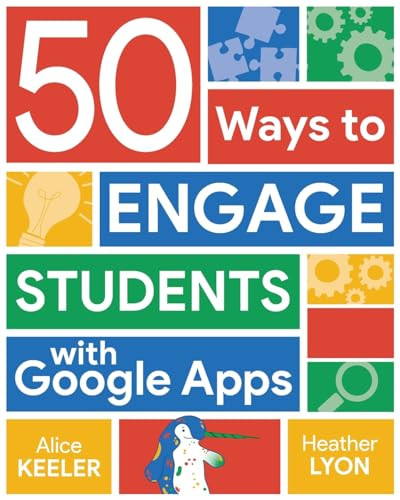
So how do you create tasks that students want to do? That's where the fifty strategies that the engagement and Google tools experts share here come in. This book is full of templates tips tricks and hacks for shifting engagement levels from disengaged to engaged using tools everyone can try. Learn how to use:
- Google Docs and Slides as collaboration tools
- Spreadsheets in ways that are fun and creative.
- Google Classroom to recognize students as individuals
- Google Forms to quickly see where students are struggling.
Bulk Bookstore offers the best resources for school leaders, administrators, and teachers. While major retailers like Amazon may carry 50 Ways to Engage Students with Google Apps, we specialize in bulk book sales and offer personalized service from our friendly, book-smart team based in Portland, Oregon. We’re proud to offer a Price Match Guarantee and a streamlined ordering experience from people who truly care.
We’re trusted by over 75,000 customers, many of whom return time and again. Want proof? Just check out our 25,000+ customer reviews—real feedback from people who love how we do business.
Prefer to talk to a real person? Our Book Specialists are here Monday–Friday, 8 a.m. to 5 p.m. PST and ready to help with your bulk order of 50 Ways to Engage Students with Google Apps.